Run Locally
Load projects from device storage and run them without requiring cloud hosting from App Container.
Turn Any HTML5 Project Into a Mobile Experience
Run your HTML5 interfaces full-screen on iOS and Android — without building and publishing a separate mobile app.
Install once. Add your projects. Launch instantly.
Built for HTML5 • iOS & Android
View Documentation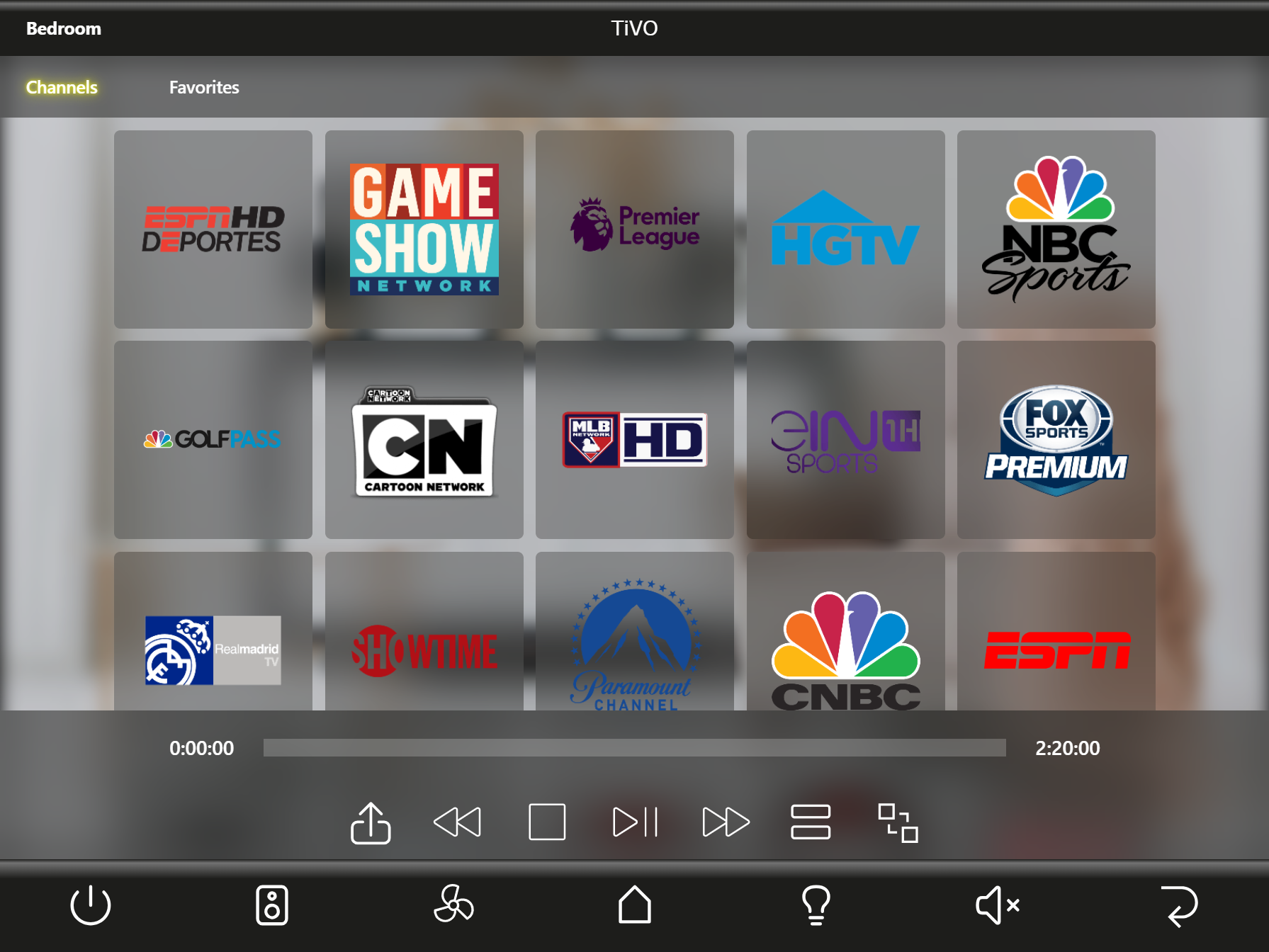
One app. Unlimited interfaces.
App Container provides a dedicated environment for running HTML5 applications directly on mobile devices. Load your project and launch it as a full-screen application without browser chrome or a separate App Store release for every project.
App ContainerInstall onceWhy App Container
Install App Container once from the App Store or Google Play. Then load your HTML5 project directly onto the device and run it full-screen like a native app — without creating, submitting, or publishing a separate mobile app for every project.
Traditional approach
With App Container
App Container→Load & RunBuilt for real-world deployments
Load projects from device storage and run them without requiring cloud hosting from App Container.
Install multiple interfaces on one device and switch between active projects instantly.
Control status bars, navigation, orientation and immersive mode for a dedicated app experience.
Lock unattended Android and iOS deployments to App Container with platform-native kiosk tools.
Install, remove or switch projects and capture the screen from a token-protected interface on the local network.
Inspect console output, exceptions, fetch and XMLHttpRequest activity with the built-in developer console.
Explore in detail
Explore the detailed guides for configuration, project deployment and integration capabilities.
Control app behavior, configuration and content with parameters passed directly into a project.
Learn moreRun secure internal web applications that need more flexibility than a standard browser allows.
Learn moreStore and load projects directly from the device for dependable local operation.
Learn moreHost and organize multiple projects in one container, each with its own configuration.
Learn moreDeploy and update projects through a secure control interface on connected devices.
Learn moreUse a dedicated, self-contained runtime for compatible HTML5 projects on mobile.
Learn moreConnect interface components to control-system data with joins and JSON data sources.
Learn moreUse cases
From residential AV to commercial systems, App Container provides a dedicated environment for HTML5 interfaces.
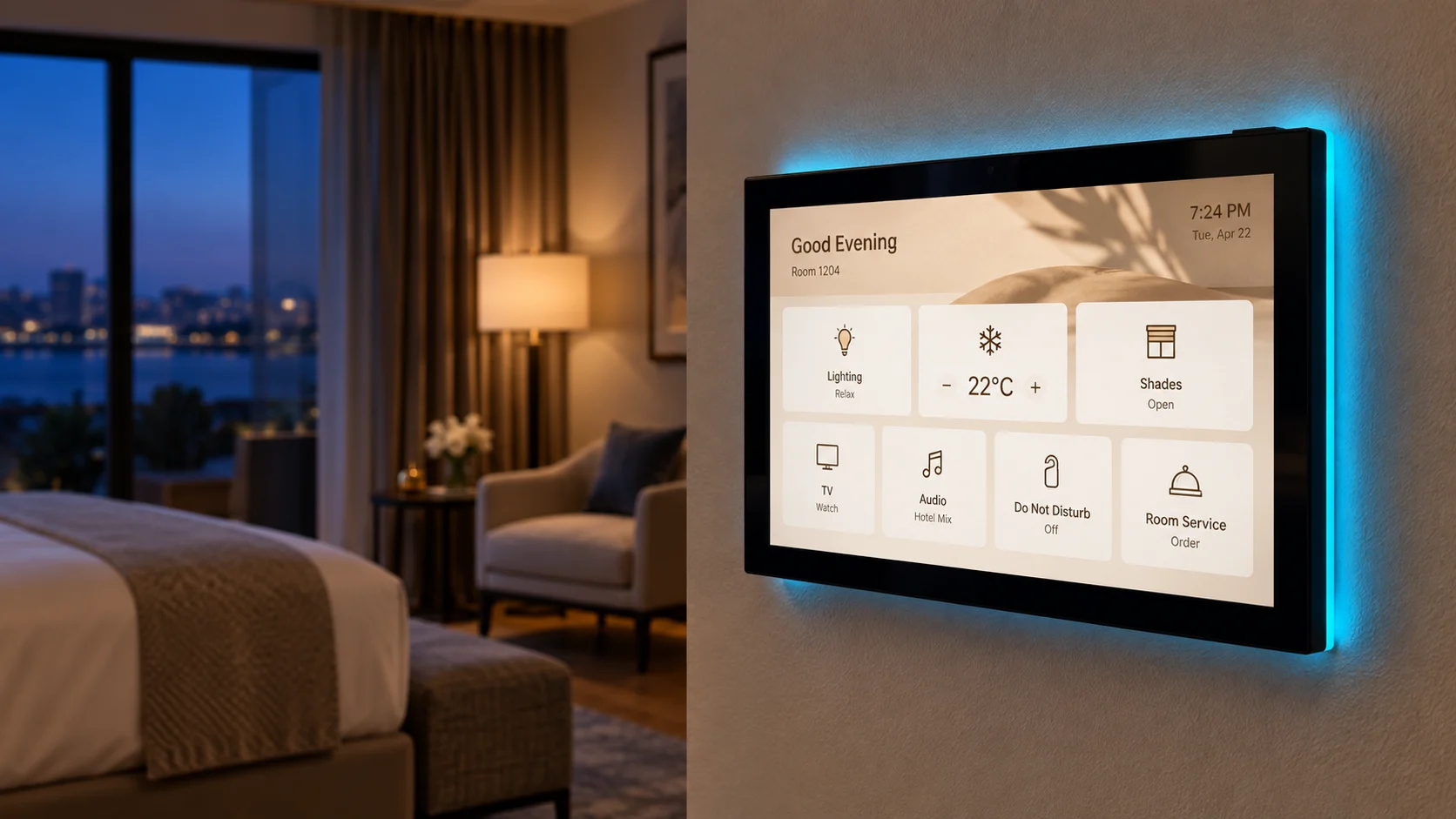
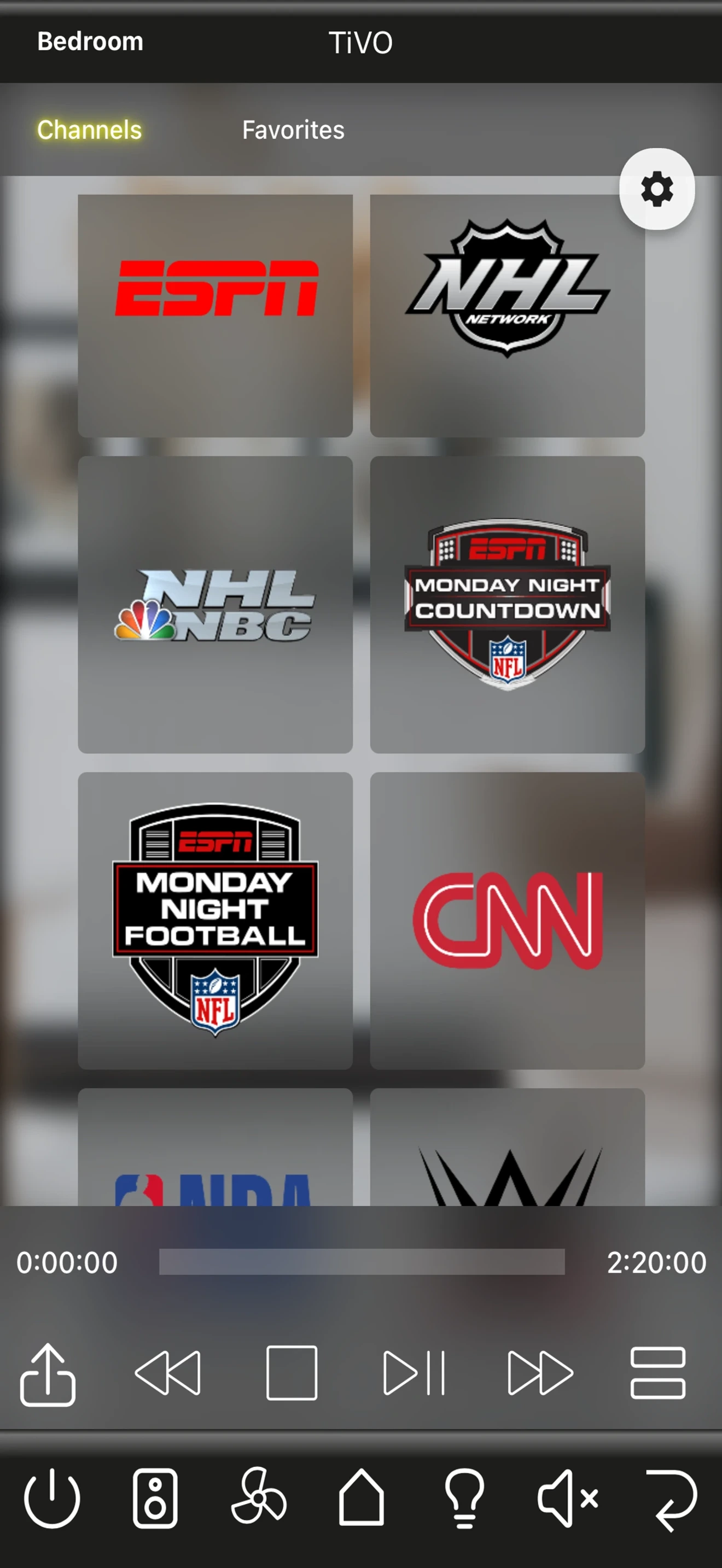
Run AVstudio, KNX, Crestron-compatible or custom HTML5 control interfaces on tablets and touch panels.
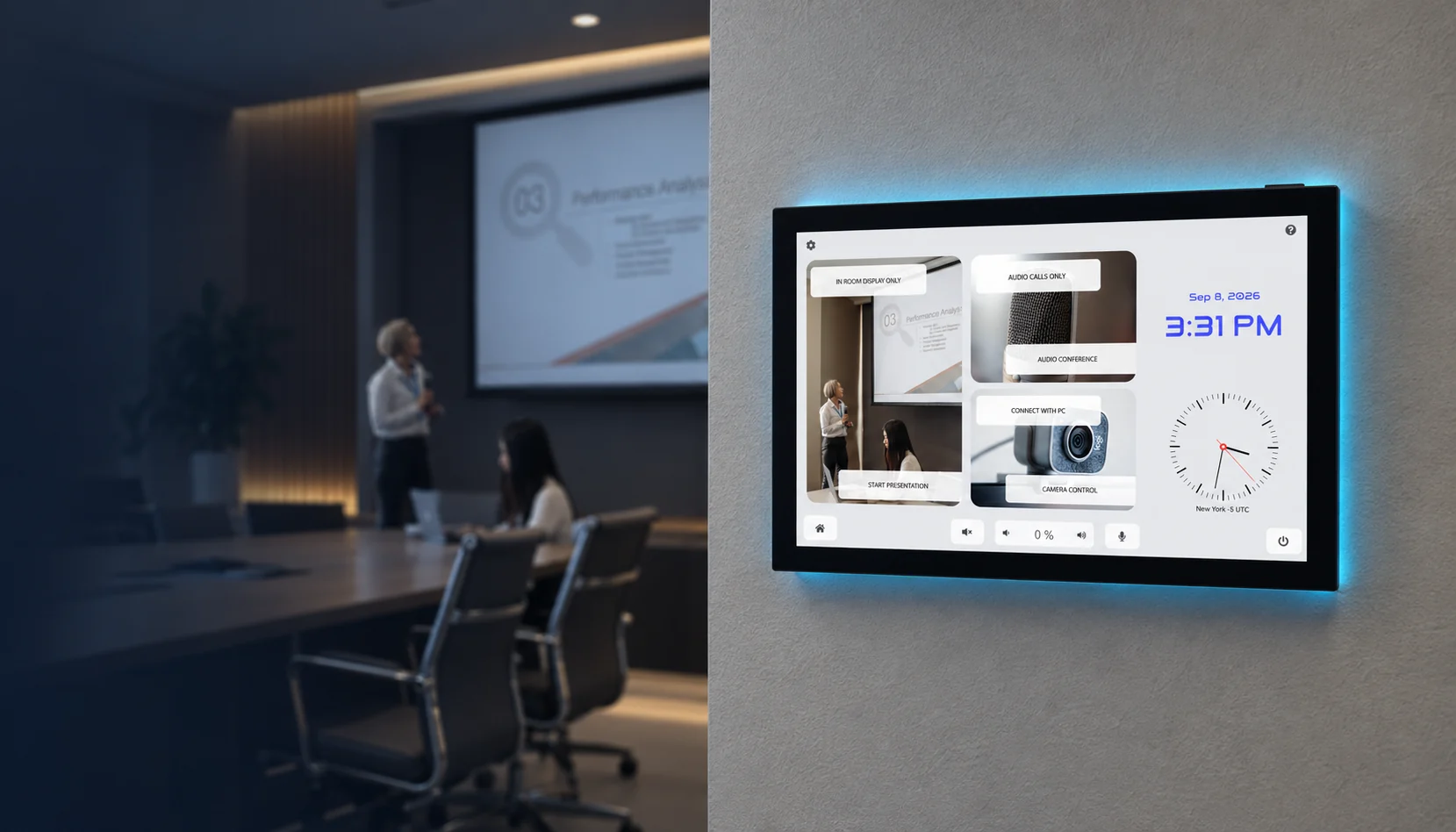
Deploy dashboards and control interfaces without building a dedicated native mobile application.
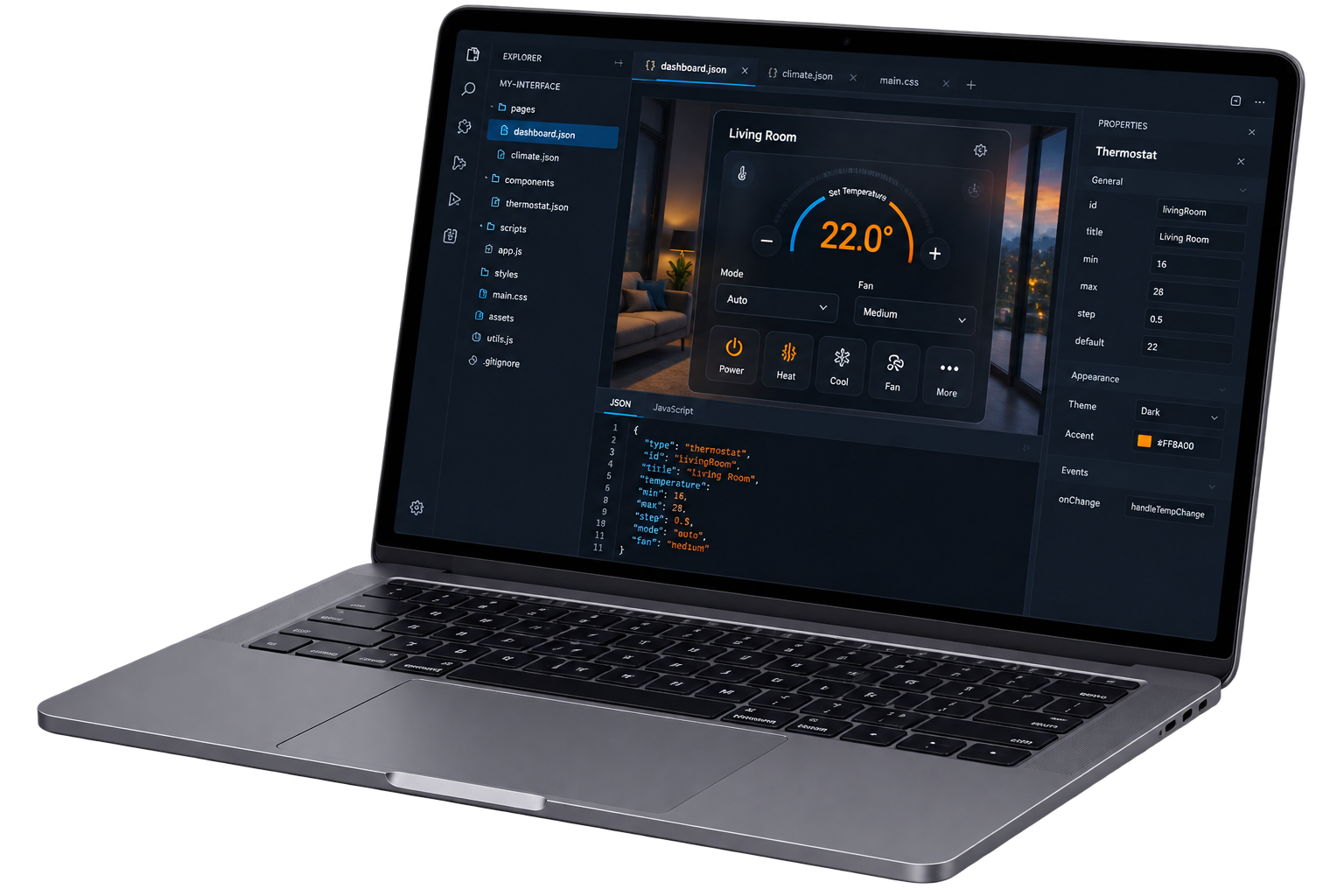
Run compatible HTML5 projects directly on real iOS and Android hardware.
Dedicated deployments
Turn a tablet or phone into a dedicated control interface. App Container runs your project full-screen while the device stays focused on the experience you designed.
Use Apple Guided Access to keep an iPhone or iPad in App Container for a focused installation.
Pin App Container on Android to help prevent visitors or staff from leaving the interface.
Present your HTML5 project without browser chrome for a clean, purpose-built control experience.
Store the project on the device for dependable operation in dedicated rooms and installations.
App Container Camera 01
 Native video playback
Add an RTSP camera stream to your HTML5 interface with a simple setup. App Container handles video playback natively, so you can display live video without building a custom player.
The built-in player uses hardware decoding for smooth playback and can support multiple streams, depending on the device.
AVstudio hardware
The same deployment workflow extends into the AVstudio hardware ecosystem with panel-specific device integration.
Everything available on mobile, plus:
From project to device
App Containerimport and launchCreate your interface with AVstudio Editor NG, Crestron Construct or your own HTML5 tools. Import the project into App Container and run it full-screen on an iPhone, iPad or Android device.
Explore Editor NG Install AVstudio App Container and run your HTML5 interfaces directly on iOS and Android.
View DocumentationCommon questions
A mobile shell for iOS and Android that runs compatible HTML5 projects as full-screen, touch-optimized experiences.
Yes. App Container can run HTML5 interfaces created with Crestron Construct. Import your exported .ch5z project into App Container to run it full-screen on iOS or Android. The project still needs access to the control system and any services it uses.
No. You can use an HTML5 project created with AVstudio or another development tool, provided it is packaged in a supported format.
Yes. Projects can be loaded from a local file, a direct URL, or the built-in demo library.
App Container supports local project storage and execution. Your project may still need internet access if it relies on remote APIs, media, or other online services.
Yes. Multiple projects can be installed simultaneously and switching between them is immediate.
Local project imports support .zip and .ch5z archives. A project can also be installed from a direct URL.
Yes. Android uses Screen Pinning and iOS provides a guided setup for Guided Access.
Yes, when enabled. A Bearer-token-protected management interface is available to browsers on the same local network.
Yes. AVS-10 and AVS-15 panels add supported hardware control, technician access, app management and WebRTC/WHEP capabilities.
App Container is available for iPhone and iPad from the App Store, and for Android phones and tablets from Google Play.