

Free
AVstudio Editor Community
Create and edit projects for free with the complete editor. Explore visual design, equipment connections, live data, reusable interfaces, browser testing, Git, and AI assistance.
Explore all editor features| Feature | Description |
|---|---|
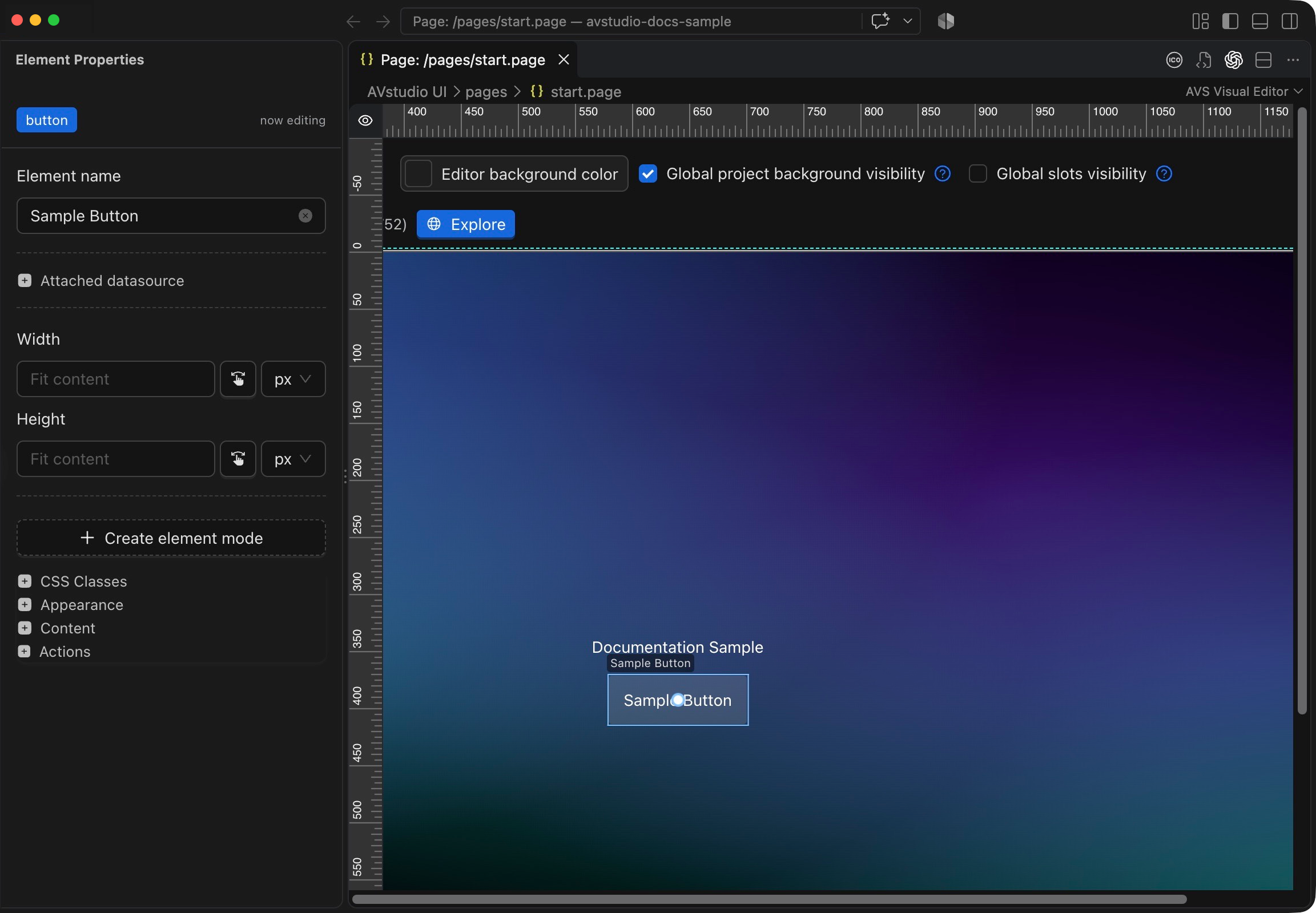
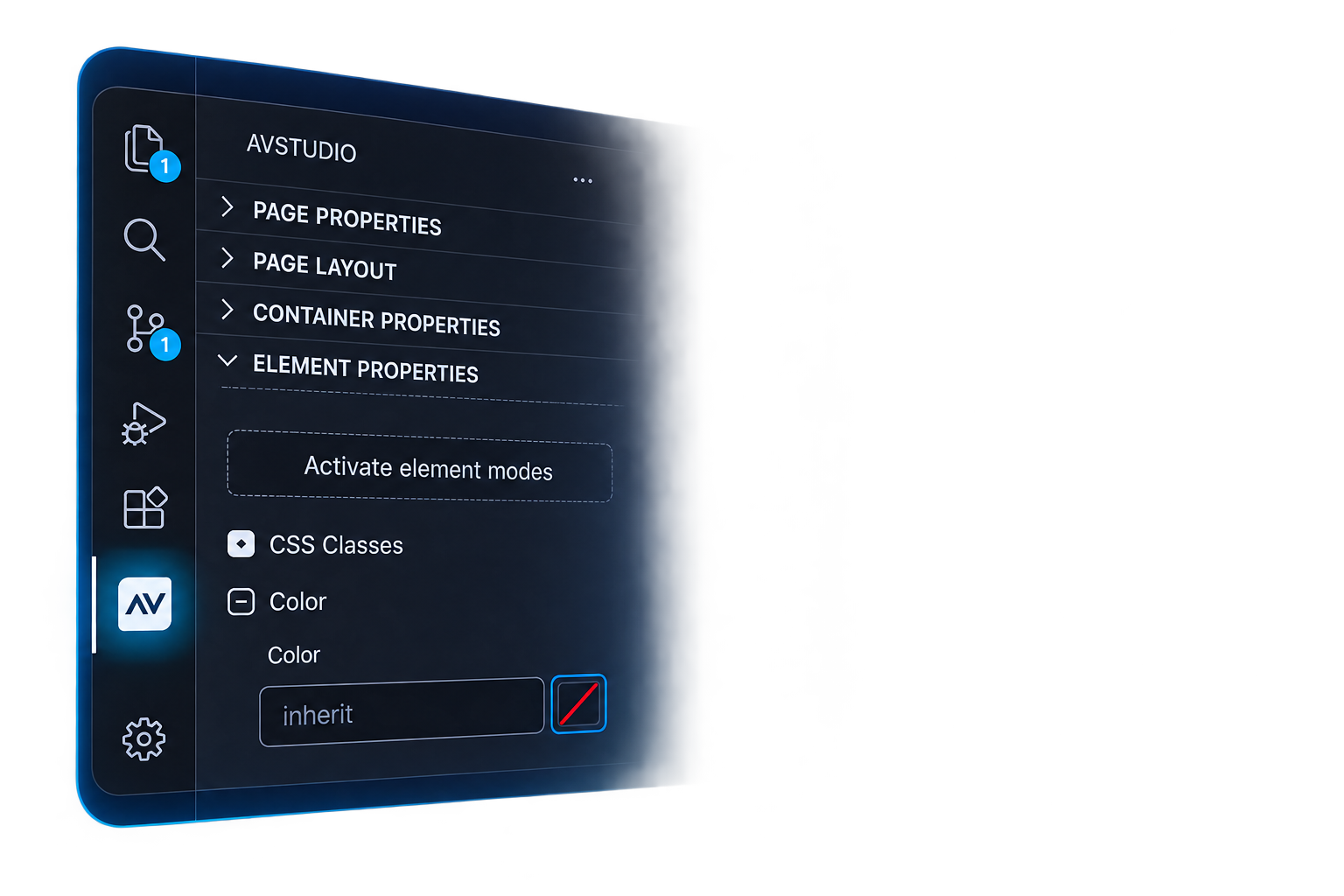
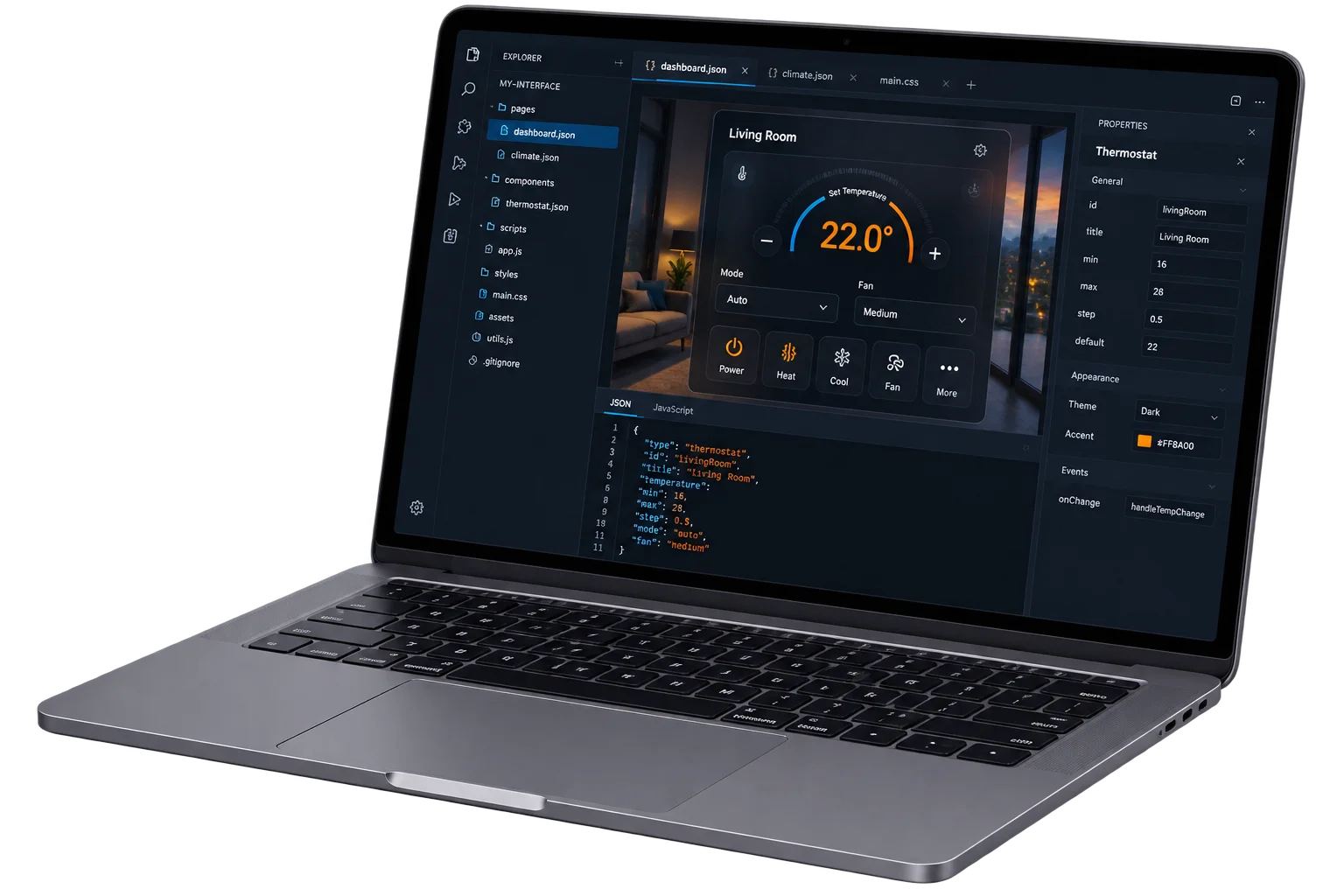
| Workspace and project | Create and manage local AV projects inside Visual Studio Code, combining the visual canvas, property panels, source files, and project commands in one workspace. |
| Pages and layouts | Build multi-page interfaces with fixed or responsive layouts. Arrange containers and controls using flow, alignment, flexible sizing, spacing, and internal scrolling. |
| Built-in UI Elements - 16 types | UI Elements: Button, Text, Image, Spacer, State Control, Input, Date Time, Video, Slider. Widgets: RGB Picker, Round Slider, Shades Compact, Dpad, Autonomic, Subpage, Subpage List. |
| Element Configuration | Add controls visually and tailor their variants, content, dimensions, icons, numeric ranges, and media playback settings to the interface and target runtime. |
| Themes, styling, and assets | Maintain a consistent appearance with shared themes, fonts, icons, and media assets. Refine individual controls with local styling, layered backgrounds, effects, and CSS. |
| States and feedback | Make controls reflect live system state through appearance modes, dynamic content, and feedback bindings. Configure pressed and disabled button states separately. |
| Reusable Interface Components | Build shared subpages, give each instance its own parameters, repeat cards from data, and maintain common headers, navigation, and status areas through Global Slots. |
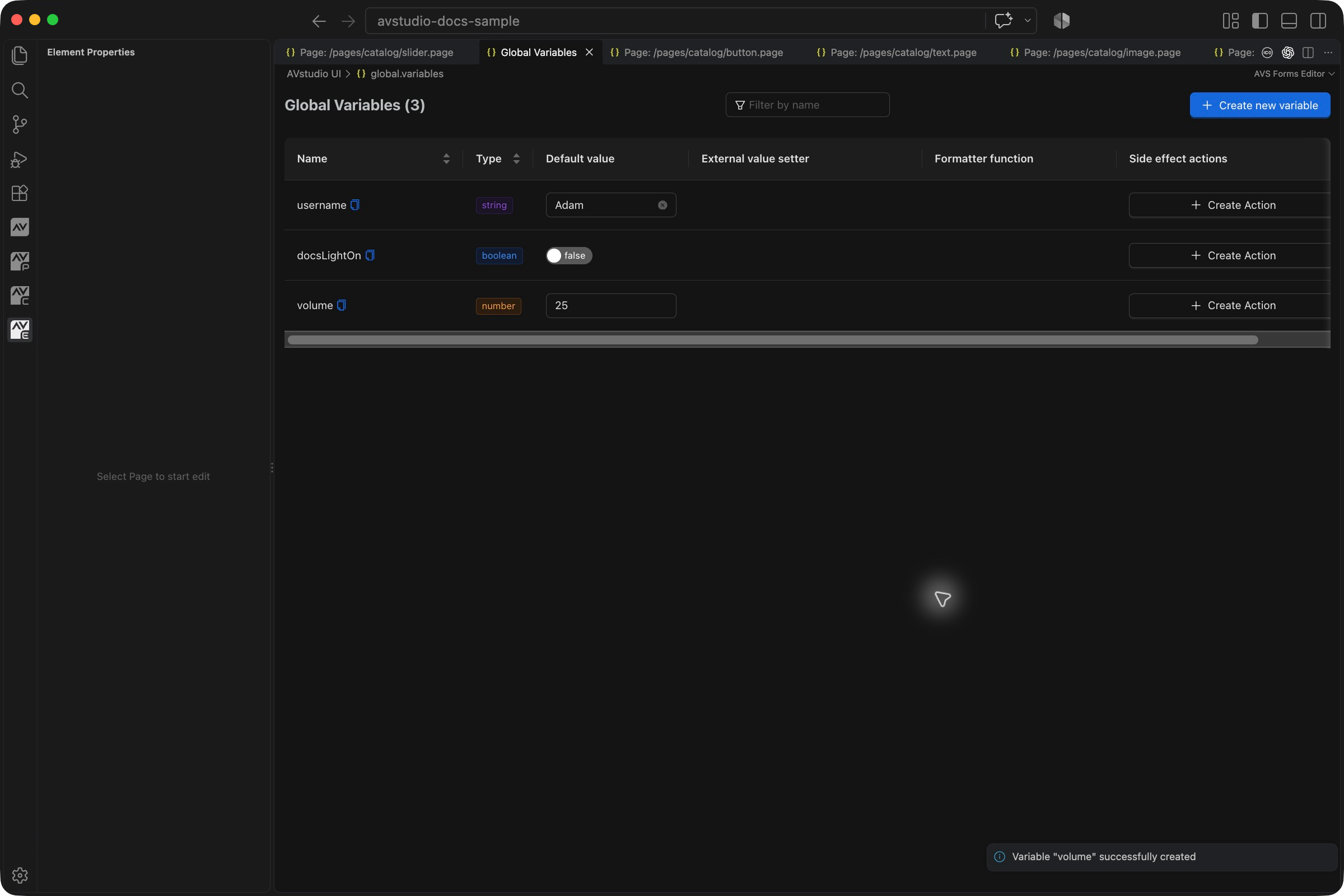
| Variables, parameters, and bindings | Manage shared project values and page-local parameters. Bind them to interface properties, receive external updates, format values, and trigger actions when values change. |
| Actions and navigation | Connect presses, holds, value changes, and page events to commands, navigation, variable updates, functions, and outgoing text or JSON messages. |
| Overlays and popups | Display pages as fullscreen overlays or anchored popovers, with configurable placement, background masks, close controls, click dismissal, and automatic closing. |
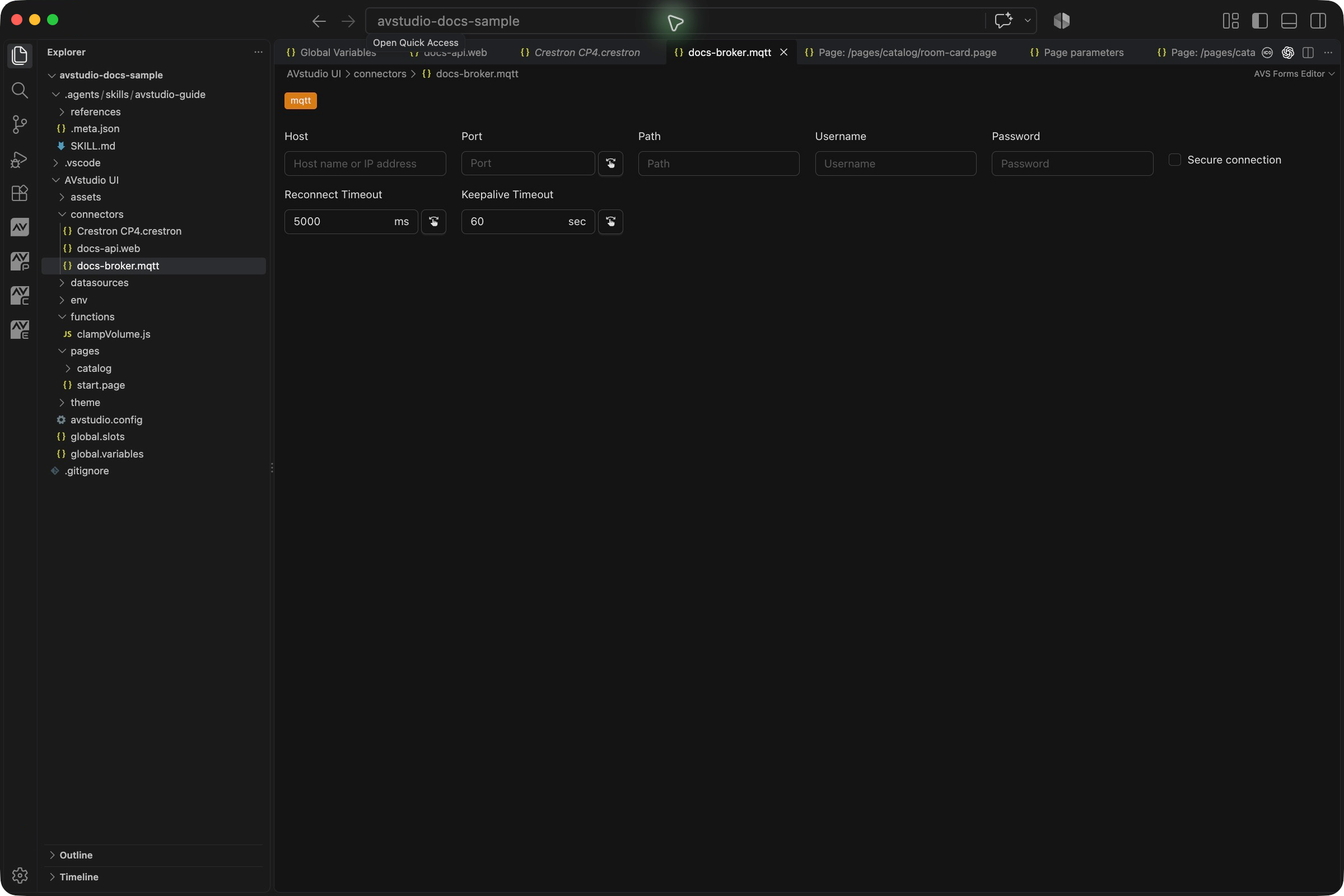
| Connectors and protocols | Configure equipment and service connections using Crestron, HTTP, WebSocket, UDP, MQTT, and KNX BAOS. DoorBird and AMX connection options have the limits described in the detailed reference. |
| Datasources and JSON filters | Use local JSON or remote HTTP, WebSocket, and MQTT data to populate the interface. Select nested content, filter records, and map data into repeated cards. |
| JavaScript functions | Transform values and datasource responses with synchronous JavaScript functions or predefined formatters. Invoke project functions from supported events. |
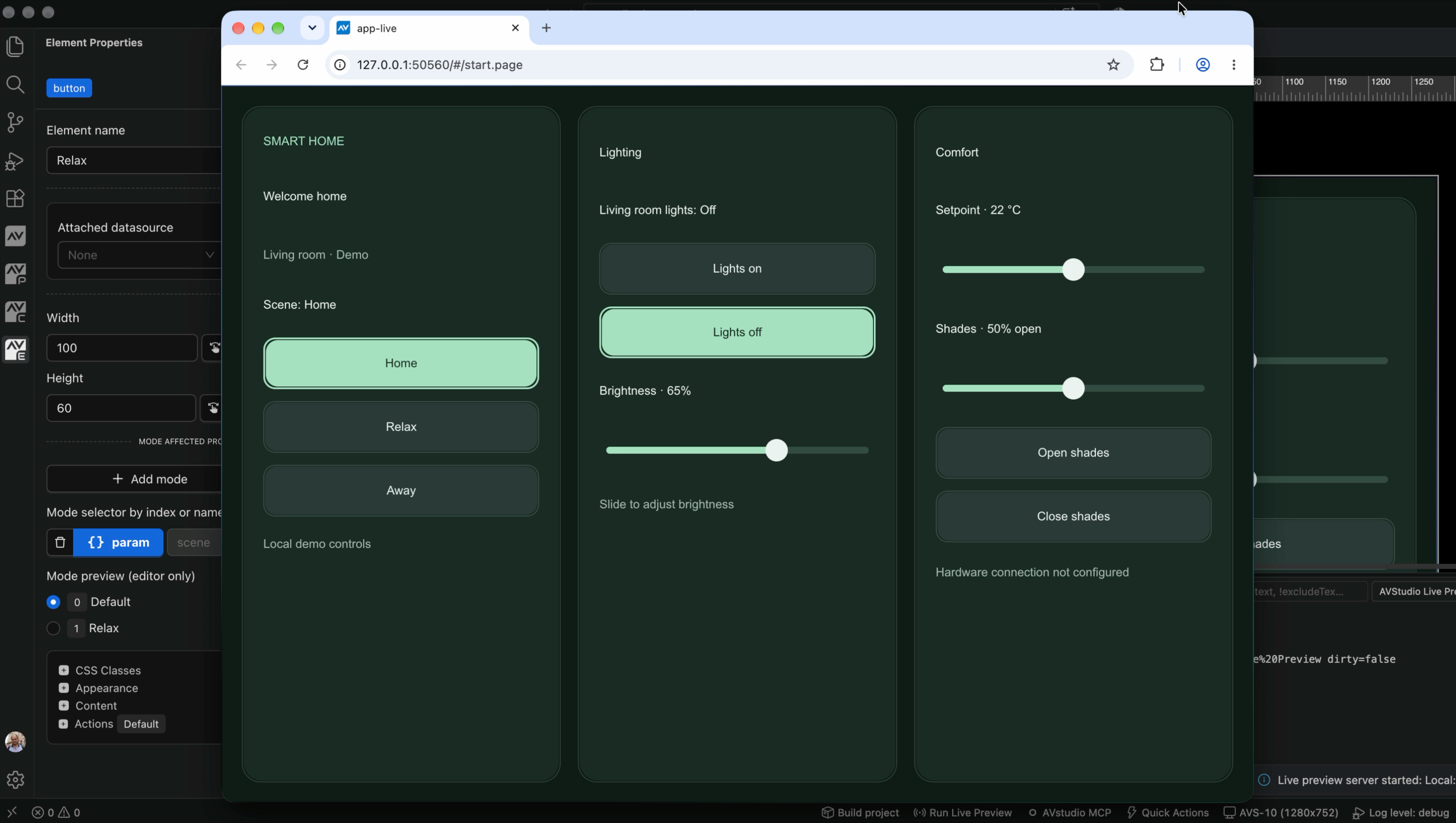
| Live Preview and runtime debugging | Run the interface in a browser, test different screen sizes, and check real commands and feedback when connected. Inspect variables, connector status, logs, and emulated Crestron feedback. |
| Project health and recovery | Check project structure, JSON, references, Join Maps, and feedback tokens. Review diagnostics in VS Code and regenerate missing standard project files and folders. |
| AI assistance and MCP | Give a compatible AI assistant project guidance, live context, diagnostics, and supported editor tools through the generated AVstudio Guide and built-in MCP server. |
| Source files, Git, and collaboration | Keep editable source in open files, track changes with Git, compare page revisions visually, work in branches, and hand projects to colleagues. |
| Project settings and builds | Set project-wide options and package the interface as ZIP or CH5Z for an appropriate delivery workflow. Retain release archives and their build metadata. |
| Documentation and Community | Explore the documentation and join the AVstudio Community to ask questions, share projects, and exchange ideas. |